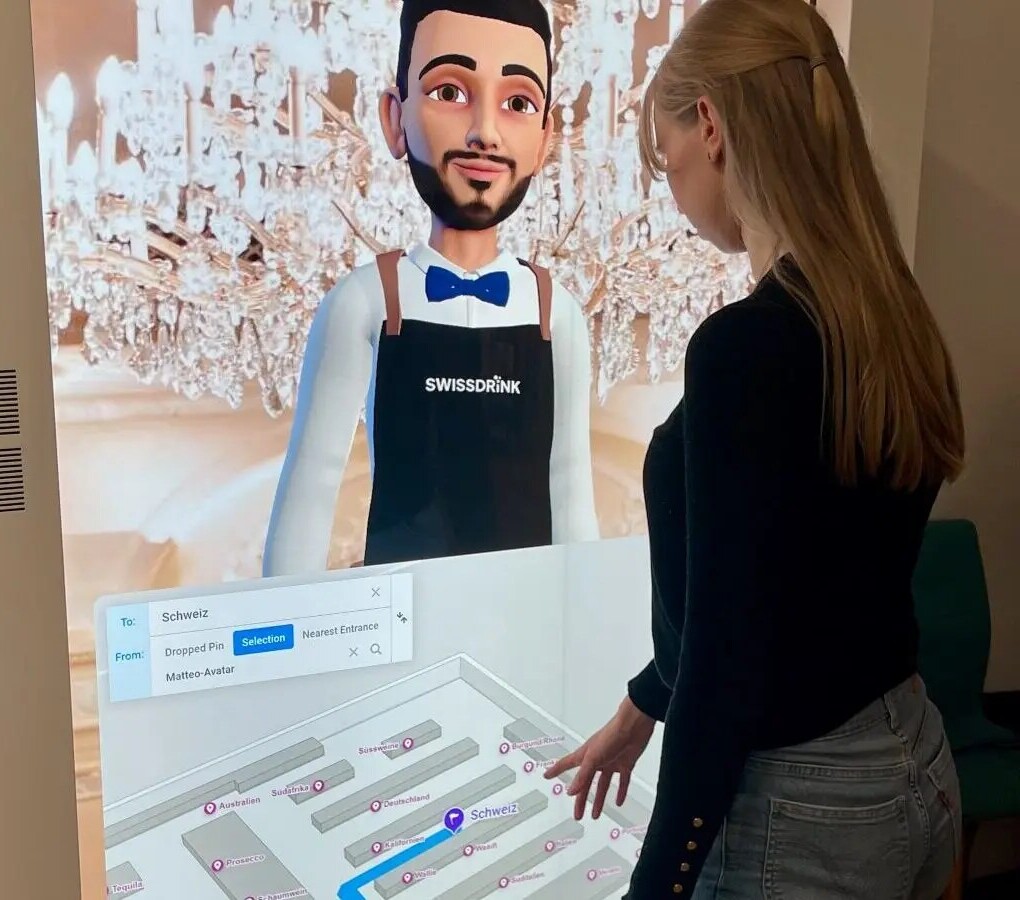
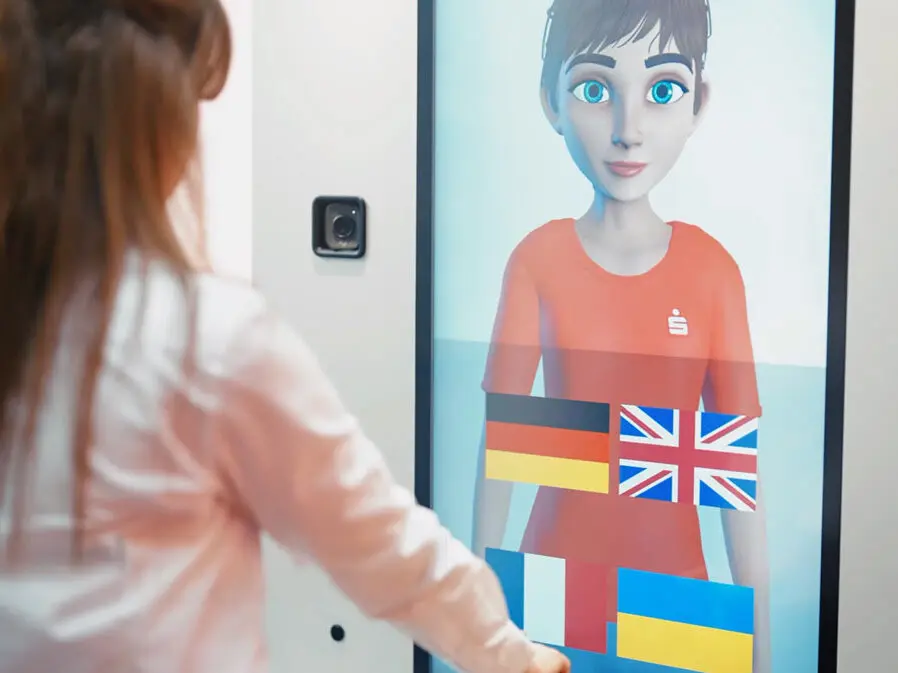
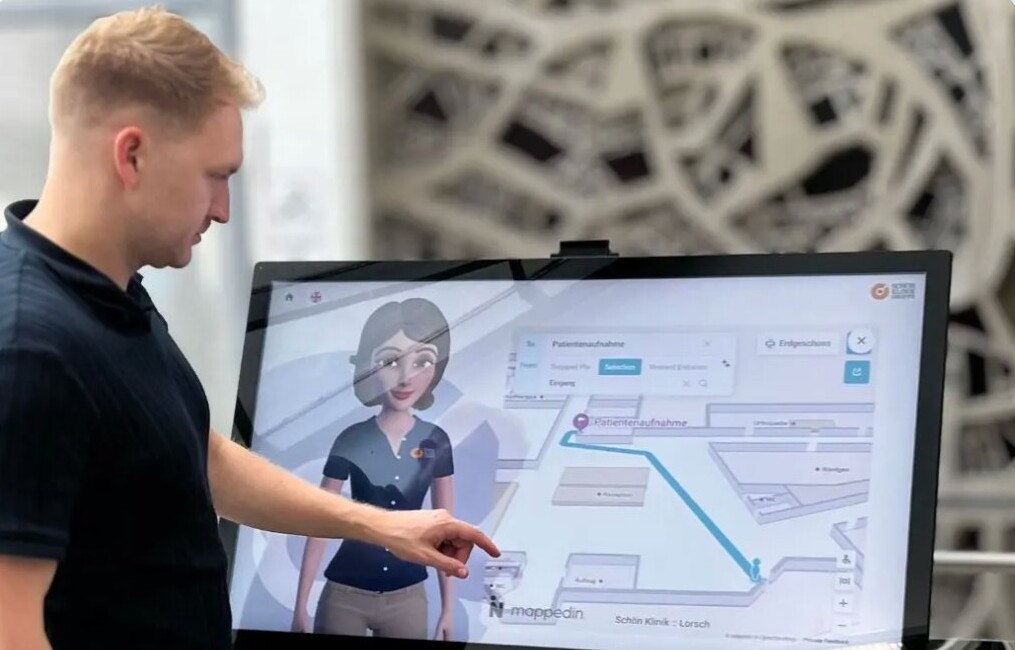
Interactive Avatars on Any Hardware
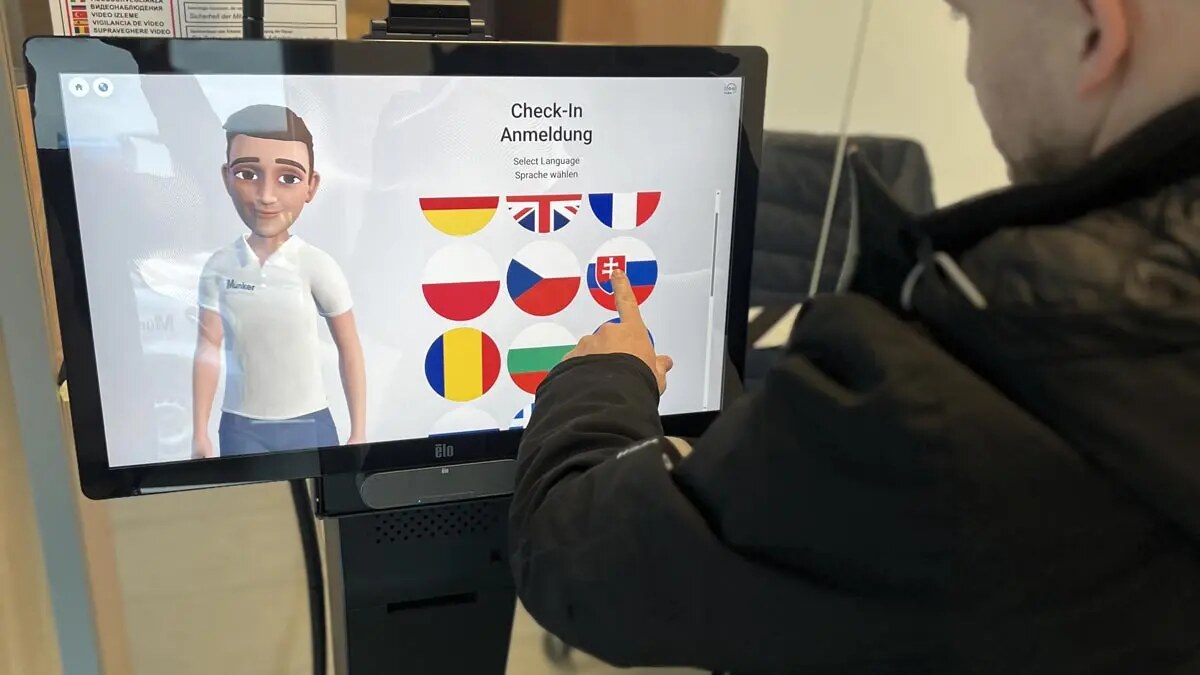
A Humanizing Avatar is a device-independent, cloud-based solution: the same interaction runs on many different endpoints — from the weatherproof outdoor pillar to kiosk systems, tablets and wall displays, all the way to your website and the smartphones of your customers. You choose the touchpoint that suits your location; the avatar stays the same everywhere.
Because the avatar runs from the cloud, it is not tied to a specific device. In many cases existing hardware can continue to be used instead of purchasing new devices. And where a larger screen reaches its limits, the avatar seamlessly hands the interaction over to the customer's own phone via QR code — the conversation simply continues there.
What hardware does a Humanizing Avatar run on?
A Humanizing Avatar runs device-independent on virtually any screen with a speaker — from the rugged outdoor pillar to the website in the browser. Because the solution is cloud-based, the device does not determine what the avatar can do; the touchpoint only determines where it appears.
This means the same avatar can be placed wherever your customers need it: outdoors, at the entrance, at the service point, on the wall, online or on the go. The following endpoints are supported:
- Outdoor pillars — weatherproof and vandal-resistant for outdoor use
- Kiosk systems at the service or reception point
- Tablets for flexible, mobile placement
- Wall displays with a speaker
- Website (web) in the browser
- The customer's smartphone via QR code
What does cloud-based mean for operation?
Cloud-based means the avatar is not installed locally on a single device, but is delivered from the cloud. The end device displays the interaction and accepts voice or touch input — the logic sits centrally.
This is what enables device independence: the same avatar appears on the pillar, the tablet, the wall display or on the web, without you having to maintain a separate installation for each endpoint. You can add or switch a touchpoint without rebuilding the avatar.
Can we keep using our existing devices?
In most cases, yes. Because the avatar runs device-independent and cloud-based, existing hardware can usually be reused — an existing kiosk, a tablet or a display with a speaker is often enough to get started.
This keeps the barrier to entry low: you do not necessarily have to invest in new devices, but first check what is already in place. Only when a new location is added or outdoor requirements come into play is it worth looking at additional hardware.
What hardware does Humanizing recommend?
Where new devices make sense, Humanizing works together with hardware partners and provides suitable recommendations. This way you receive a coordinated combination of device and avatar for your location — from the outdoor pillar to the kiosk.
You are not tied to a particular device ecosystem: existing hardware can usually be reused, and where new devices are needed, the partner recommendations help you choose the right one for each location.
Which hardware suits which location?
The right hardware depends on the location. Indoors, a kiosk, tablet or wall display is often enough; outdoors you need a weatherproof, vandal-resistant pillar; and for initial information from home or on the go, the website and smartphone are well suited.
As a guide, the endpoints can be mapped to their typical locations:
- Outdoors, accessible around the clock → outdoor pillar (weatherproof, vandal-resistant)
- Entrance or service point → kiosk system
- Flexible or mobile placement → tablet
- Waiting area or hallway → wall display with a speaker
- Information from home → website (web)
- On the go and to continue → smartphone via QR code
How does the handover to the smartphone work?
Via QR code: the avatar displays a QR code on the screen, which your customer scans with their own phone. The interaction then continues directly on the smartphone.
This is helpful wherever a shared screen reaches its limits — for example for personal input, longer content, or when the next step is to be completed on the go. Instead of staying at the device, customers simply take the conversation with them. The avatar remains the same; only the endpoint changes from the large display to the customer's own phone.
Frequently asked questions
Device-independent on outdoor pillars (weatherproof and vandal-resistant), kiosk systems, tablets, wall displays with a speaker, the website (web), as well as via QR code on the customer's smartphone. Because the solution is cloud-based, the avatar stays the same on all endpoints.
The avatar is delivered from the cloud instead of being installed locally on a single device. The end device only displays the interaction. This makes the avatar device-independent and able to appear equally on various endpoints — from the pillar to the web.
Usually yes. Since the avatar runs device-independent and cloud-based, existing hardware can be reused in most cases — for example an existing kiosk, a tablet or a display with a speaker. New devices are not strictly necessary.
Yes. Where new devices make sense, Humanizing works together with hardware partners and provides suitable recommendations for each location — from the outdoor pillar to the kiosk. You are not tied to a particular device ecosystem.
Via a QR code: the avatar displays the code on the screen, the customer scans it with their own phone, and the interaction continues directly on the smartphone. The avatar stays the same, only the endpoint changes.
Yes. For outdoor use there are outdoor pillars that are weatherproof and vandal-resistant. This makes the same avatar accessible outdoors around the clock as well.
See Humanizing Avatars in action
Book a no-obligation intro call — we'll show you the use case live at your touchpoint.