Self-service that actually completes transactions.
KIM Branch handles recurring standard requests, bridges language barriers and is there outside opening hours. One licence, three variants: the kiosk in the entrance area, KIM to go via QR code and the pre-stage at the FI video advisory stele.
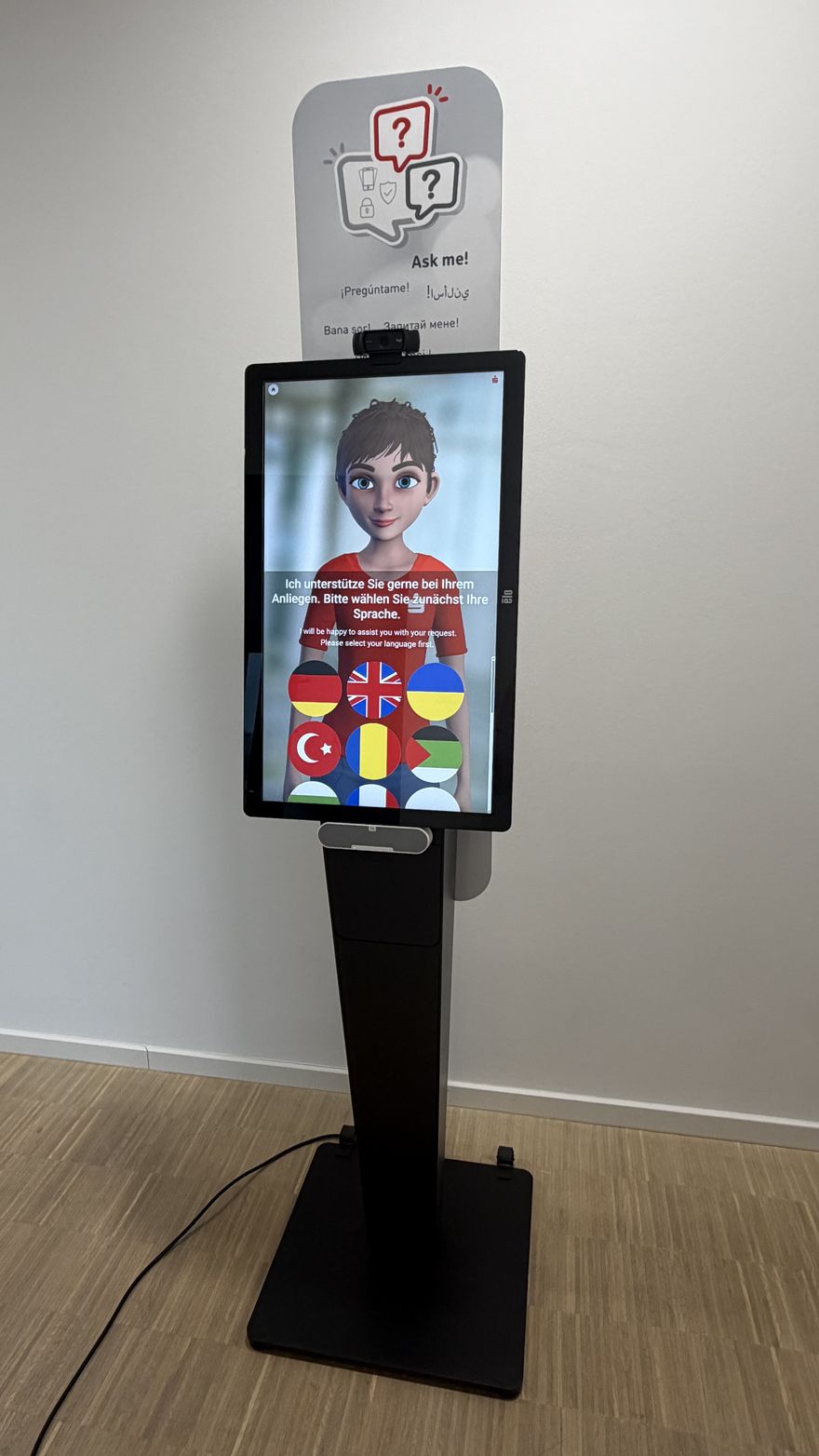 Live · KIM on the kiosk
Around 130 service topics. Ten of them end to end.
End-to-end processes
Requesting a new PIN or pushTAN, unblocking a card and more — each handing over via QR code into your institution's FI processes.
Easy-to-follow guides
Setting up the Sparkasse app, blocking a card, TAN procedures — step by step on screen and read aloud.
Further service topics
Limit changes, account authorisations, card loss, IBAN finder and much more — configurable for your institution.
Languages available
Twenty languages are preselected in text and speech. Which ones come first in your branch is matched to your customers.
One licence, three routes to your customers.
All three variants are included in the base licence — you decide where to start.
The kiosk
The classic self-service kiosk in the entrance area or the self-service zone — a visible point of contact without a queue ticket and without tying up a counter.
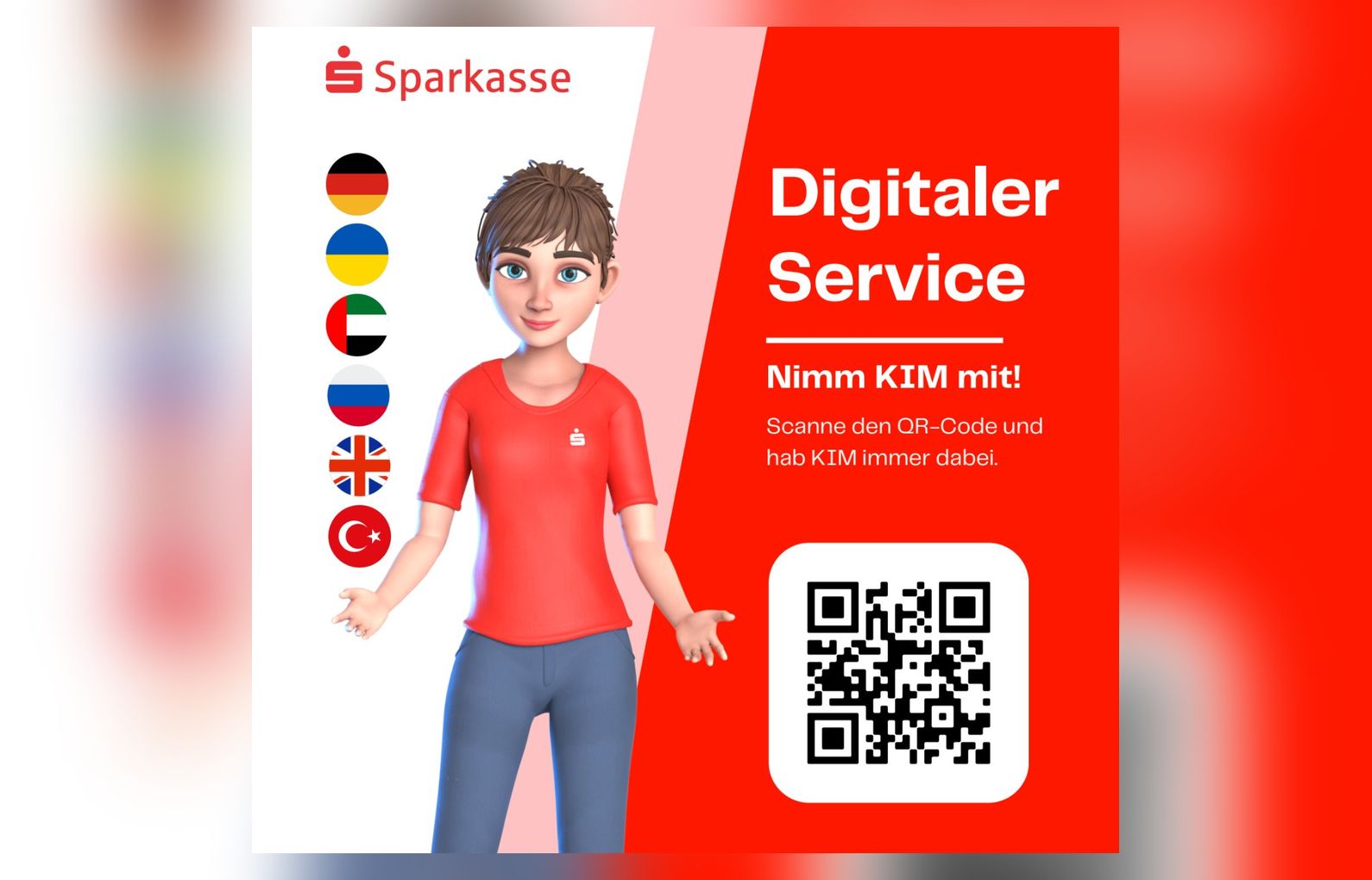
KIM to go via QR code
Customers scan the code and take KIM along on their own smartphone — on signage, shop windows, posters and flyers. No hardware, no login.
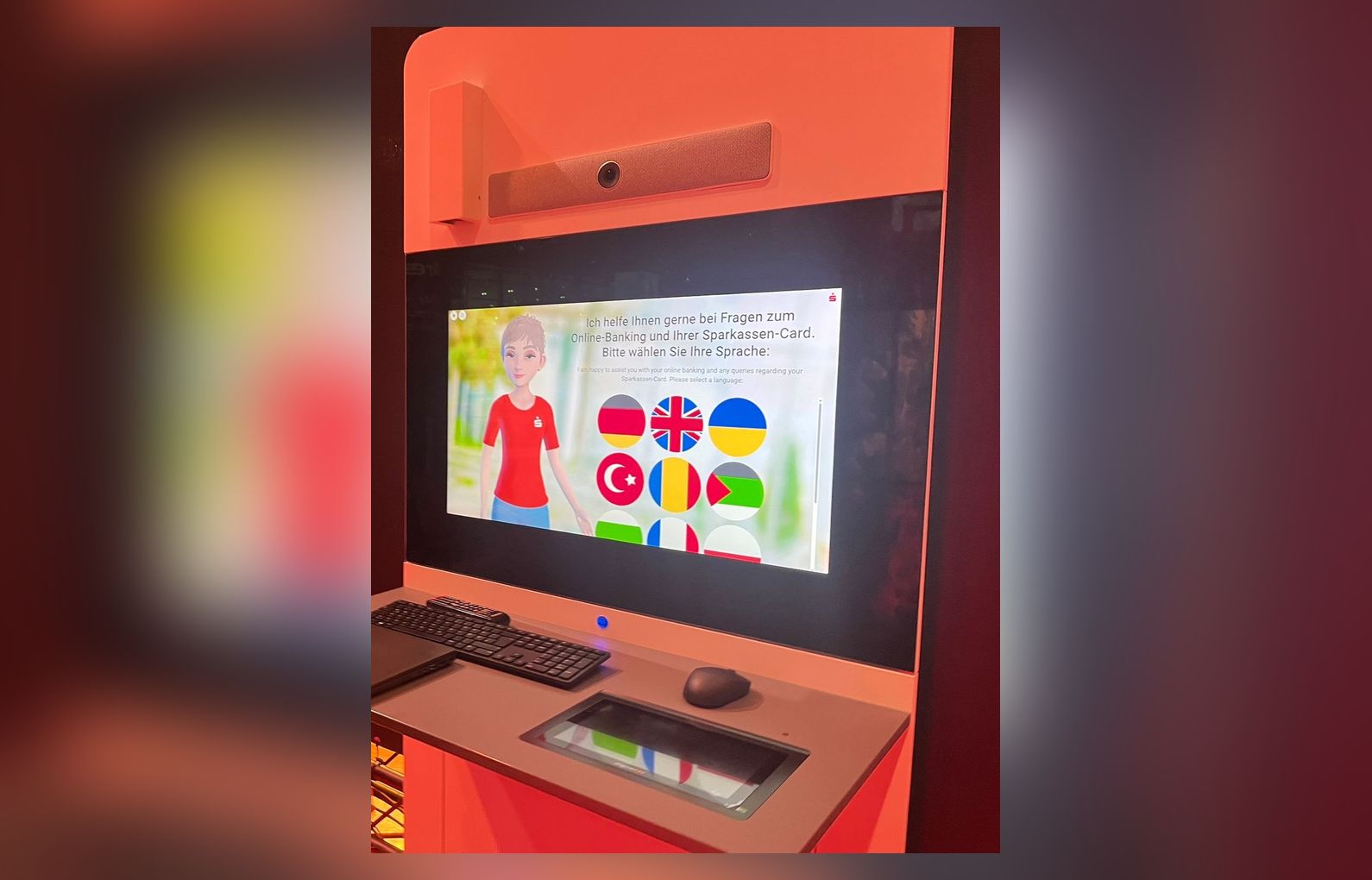
Pre-stage at the FI video stele
KIM handles pre-qualification at the existing video advisory stele from Finanz Informatik — and when it needs to get personal, human video advisory is one tap away.
Three situations from the branch.
KIM is not a Q&A chatbot. It guides customers through real banking processes — secure steps are confirmed by the customer on their own device.
Setting up online banking — in a single session.
A customer stands in the branch with the access letter and cannot get any further. KIM shows the steps on screen, guides through the setup and completes the process — without tying up a staff member.
Card lost — immediate blocking and follow-up steps.
No waiting for the hotline: KIM takes the request and initiates the block — the secure confirmation step opens directly on the customer's smartphone, where the process is confirmed. Including replacement card and mobile wallet.
International customers without a translation loop.
Turkish, Ukrainian, Arabic — KIM switches seamlessly into the customer's language, runs the preliminary conversation and hands over to the adviser in a structured way. Nobody on the team has to translate.
Your content, your call.
Content
Switch processes, service topics and guides on or off and check target addresses via QR code.
Languages
Decide which of the 100+ languages your customers may pick at the kiosk.
Check the customer menu
Review the saved menu exactly as it appears on the device — before it goes live.
Documentation: first steps
The configurator runs through your Plural account — no direct link and no technical identifier needed. The documentation takes your team from the first login to a checked customer menu. Written in German.
What the kiosk costs — and what you provide.
Covers all three variants: kiosk, KIM to go via QR code and the pre-stage at the FI video advisory stele.
+ €0.005 per process executed
Included: digital onboarding for your team
Ready to use from our hardware partner Roboterly: delivered preconfigured, no assembly and no on-site installation. Put it in place, activate it with our support, done.
You provide: a good, accessible location — preferably in the self-service zone — as well as power and WiFi
Questions about KIM Branch.
€499 base licence and €149 premium support per month and location, plus €0.005 per process executed. That covers all three variants — the kiosk, KIM to go via QR code and the pre-stage at the FI video advisory stele. Billing is usage-based at month end and the contract runs for 12 months.
Ten processes run through completely — requesting a new PIN or pushTAN, unblocking a card — each handing over via QR code into your institution's FI processes. On top come 20 easy-to-follow guides, for instance setting up the Sparkasse app, blocking a card and the TAN procedures, plus more than 100 further service topics from limit changes to the IBAN finder.
We recommend a ready-to-use kiosk system from our hardware partner: €3,860 one-off including delivery, plus €588 per year for the kiosk protection software that guards the system against changes in public space. It arrives preconfigured — no assembly, no on-site installation. You provide a good, accessible location, preferably in the self-service zone, as well as power and WiFi.
Yes. In the Smart KIM configurator, opened through your Plural account, you maintain bank details and avatars, activate languages, switch processes, service topics and guides on or off, and check links via QR code. Changes take effect once saved, and the customer menu shows you in advance exactly what appears on the device. The full procedure is documented at docs.smart-kim.humanizing.com (in German).
Not as a short trial phase. Location, visibility and how the team introduces it decide the outcome at the kiosk — and that cannot be judged in four weeks. We therefore plan the target picture, metrics and rollout together with you instead of compressing them into a trial period. KIM Phone and KIM Web, by contrast, can be tested free for four weeks.
The kiosk is live in eight weeks. Let's talk first.
In 30 minutes we clarify location, processes and the target picture for your branch — with a live demo at a reference Sparkasse.